
Stealth AntiSponsor
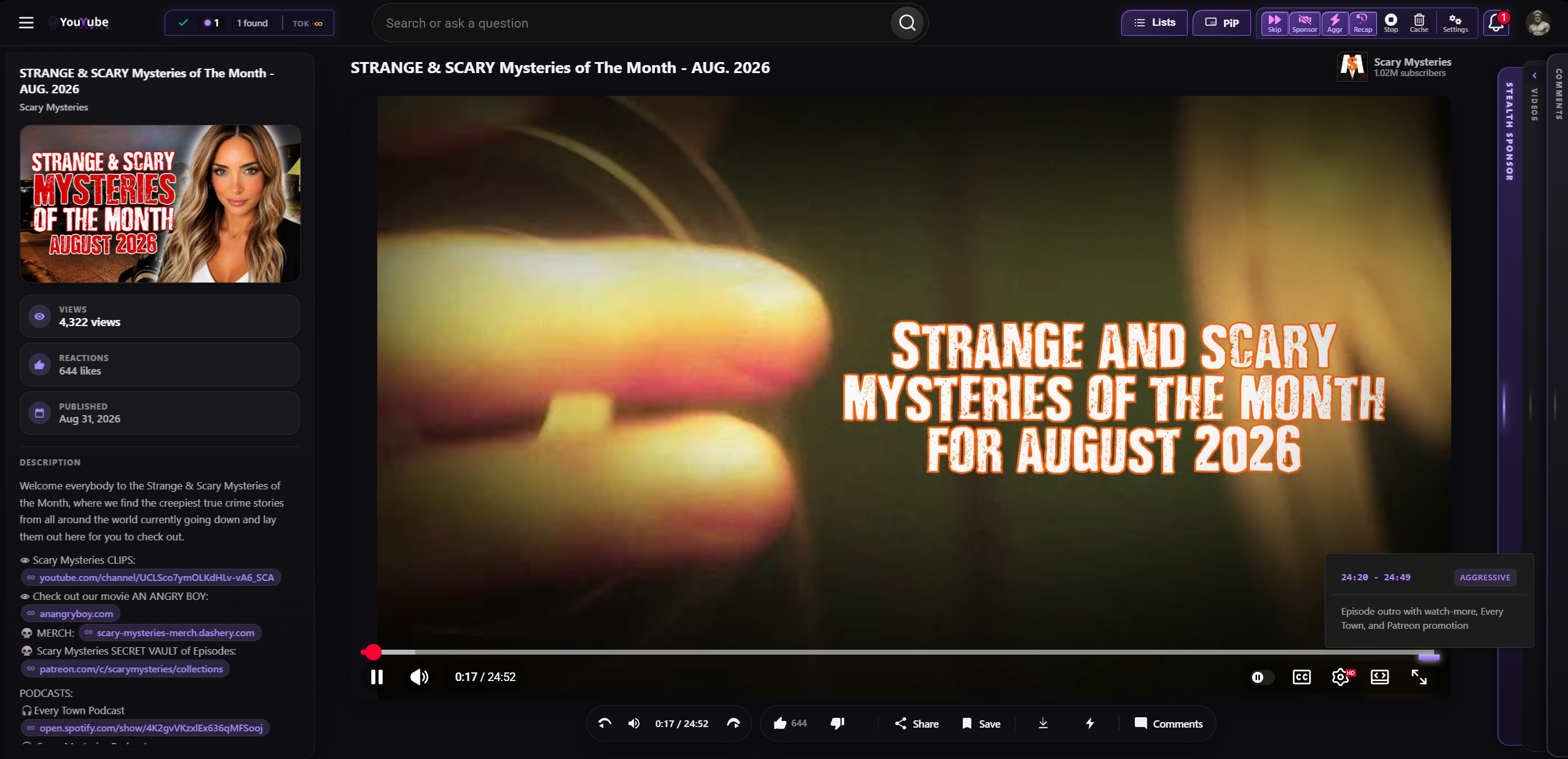

AI sponsor skip, transcript tools, and video tools for YouTube and more. Tag: Media. Requires an active Stealth Pro / VPN license, or a dedicated Stealth AntiSponsor license. This is not the same as YouTube Ad Skip, which is a separate catalog item that skips the platform ads.
Turn it on
Menu → Settings, or go to stealth://settings. Click Power Ups in the left list.
Find Stealth AntiSponsor and click Add. Or click Full Power to enable the whole catalog at once.
Settings → Toolbar. Drag the PowerUp onto the toolbar if you want a one-click button. Each PowerUp can also be paused with site protection from the Stealth logo.
What it needs
| Stealth Pro / VPN license | The same key that unlocks VPN also unlocks AntiSponsor. |
| Stealth AntiSponsor license | A dedicated key if you do not run VPN. |
| Where to activate | Settings → VPN & License, or the first-run splash. |
What it does
| Sponsor skip | AI skip of in-video sponsor segments, not just pre-roll ads. |
| Transcripts | Transcript tools for the current video. |
| Video tools | Extra video helpers bundled with the PowerUp. |
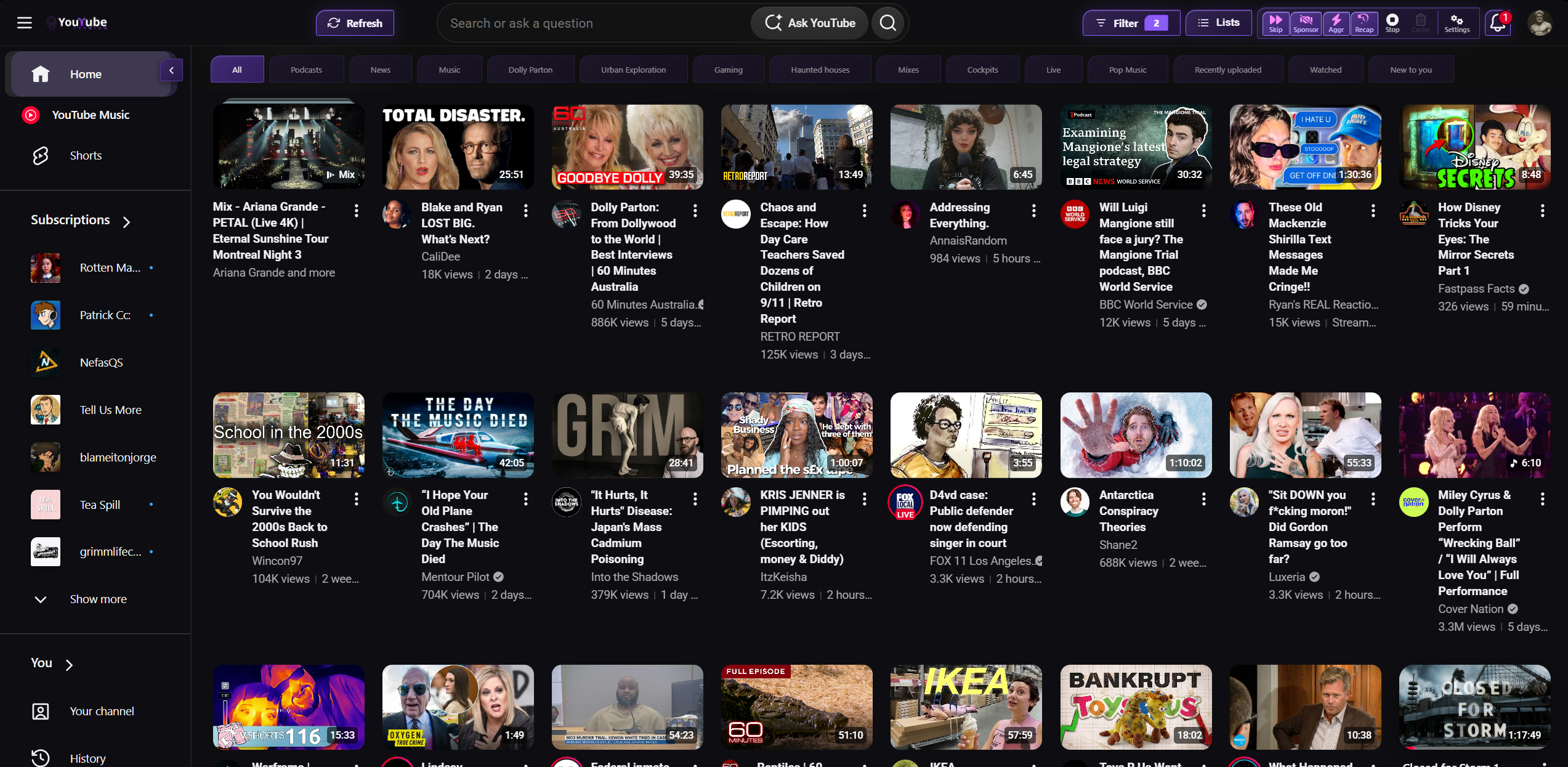
Streaming skip PowerUps (YouTube ads, Netflix, Prime, and the rest) are separate catalog items. Add those too if you want platform ad breaks skipped as well as sponsor segments.
Related
Ad skip PowerUps · License · Media · PowerUps